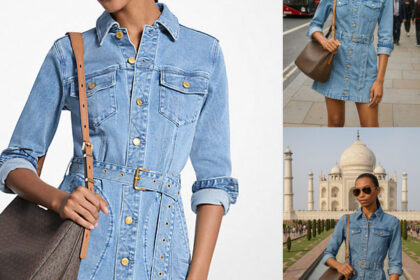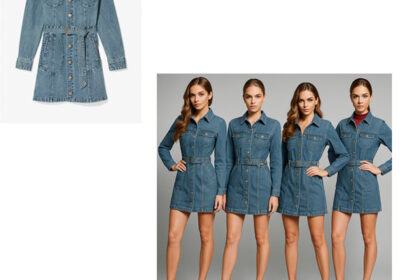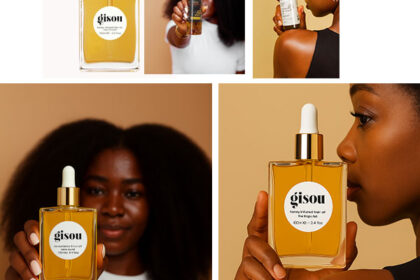

I tried out an experiment by giving AI an image and a prompt to see what it could generate. Here’s the simple process I followed:
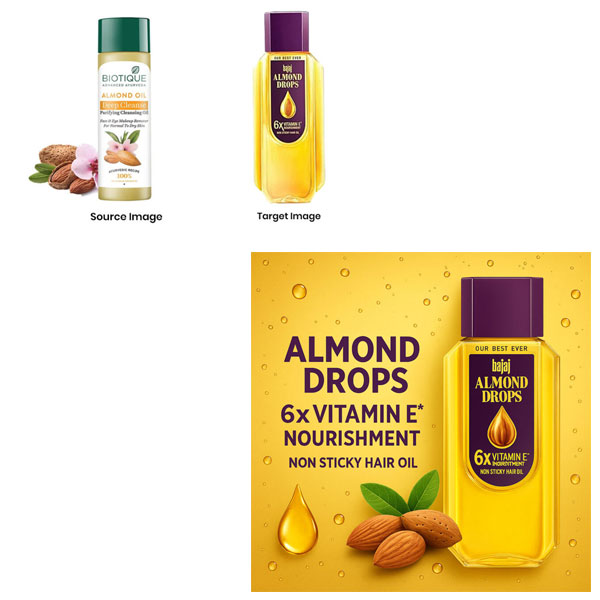
Step 1 – I Uploaded the source and the target images to the AI.
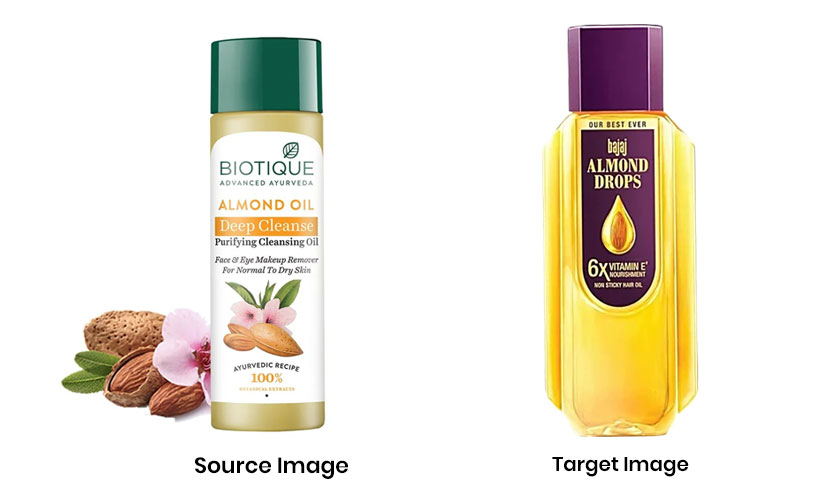
Step 2 – I entered the prompt. (Here’s the prompt I used below 👇)
Step 3 – Sharing the AI-generated result.

Step 4 – I gave another image (blurred) to AI as a source image.
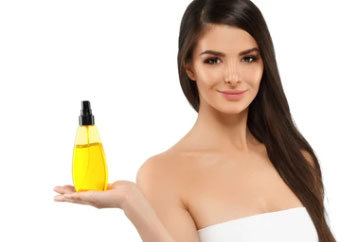
Step 5 – Entered the prompt. (Here’s the prompt I used below 👇)
Step 6 – Sharing the AI-generated result.
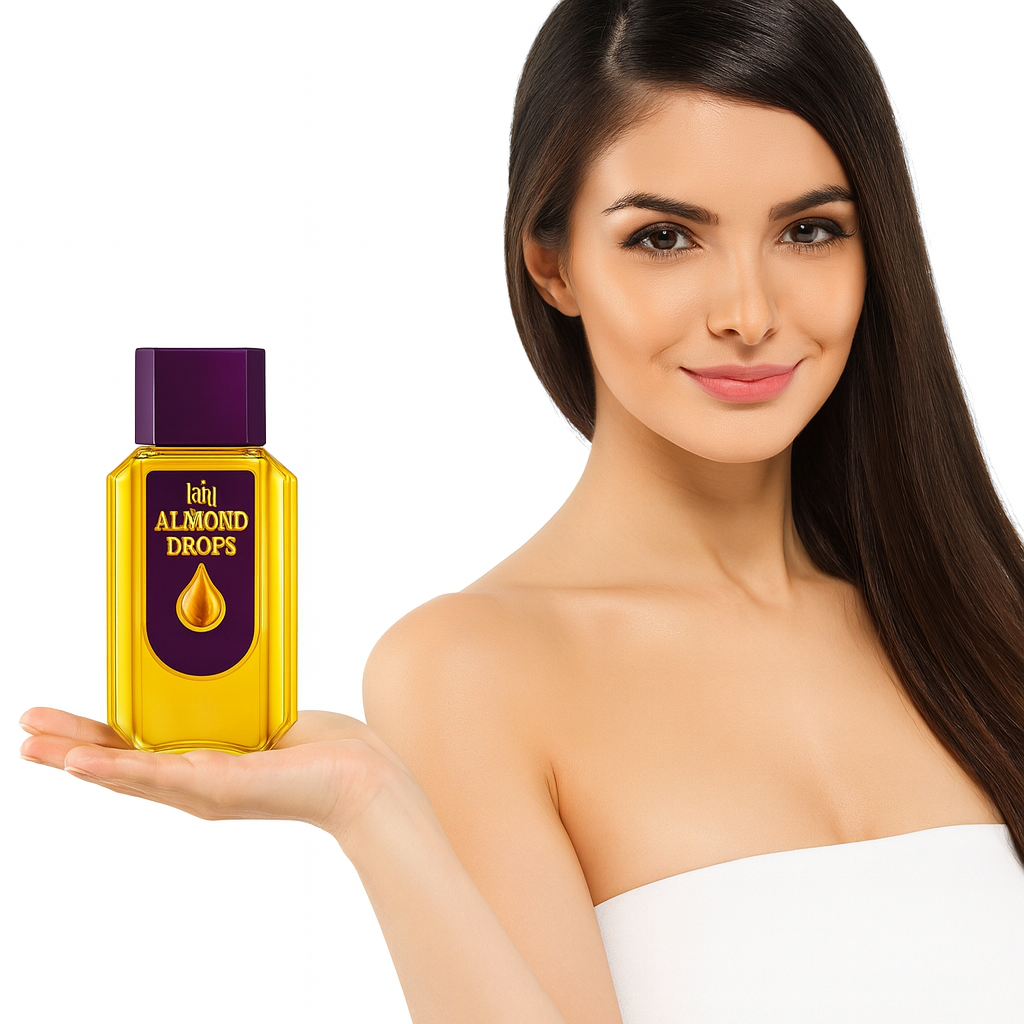
Step 6 – I again gave another image to AI as the source input.
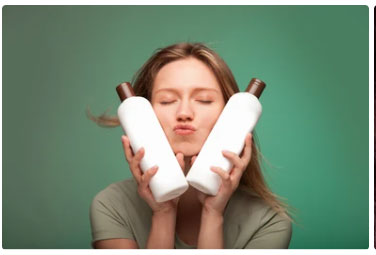
Step 7 – I entered my prompt and here is the result.
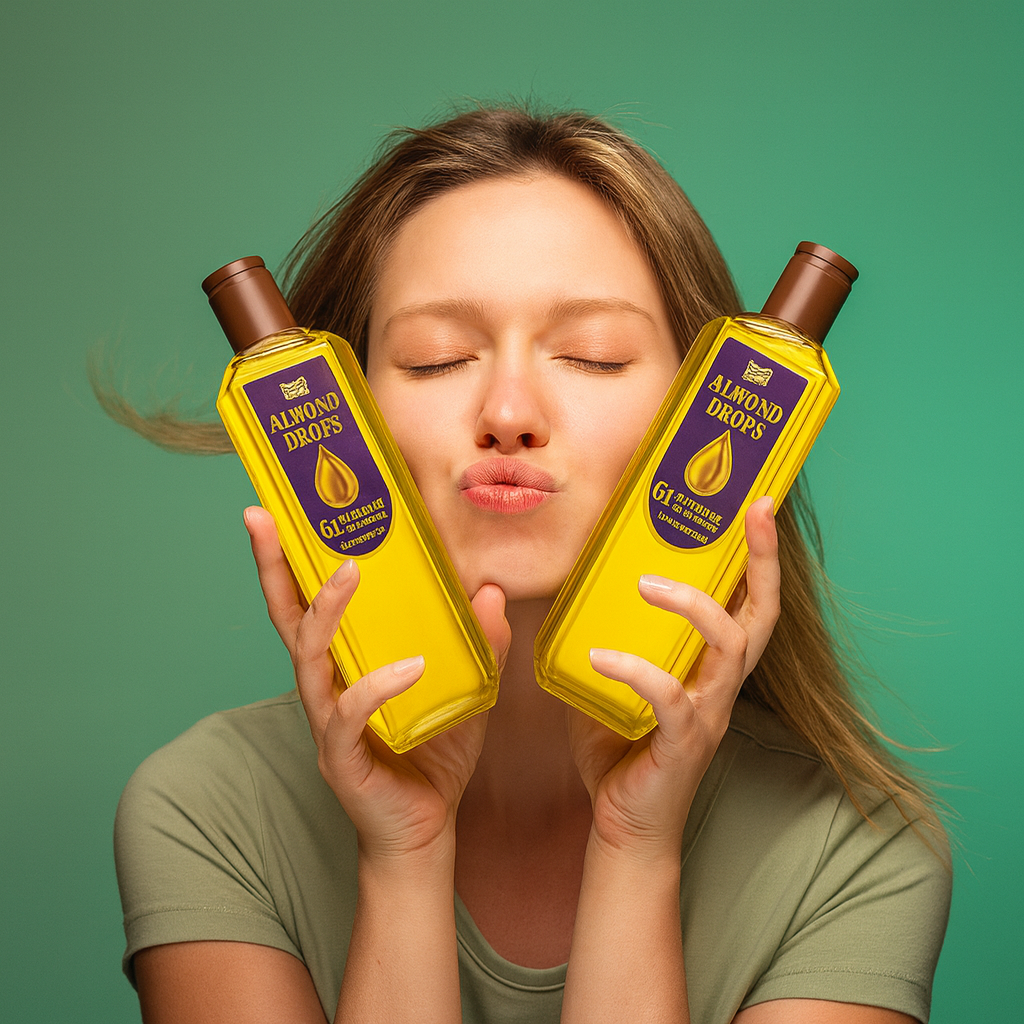
I uploaded a blurred image to the AI, and it generated a much clearer and more refined version.
I provided complex image the AI and gave my prompt.
This time the source image I provide.
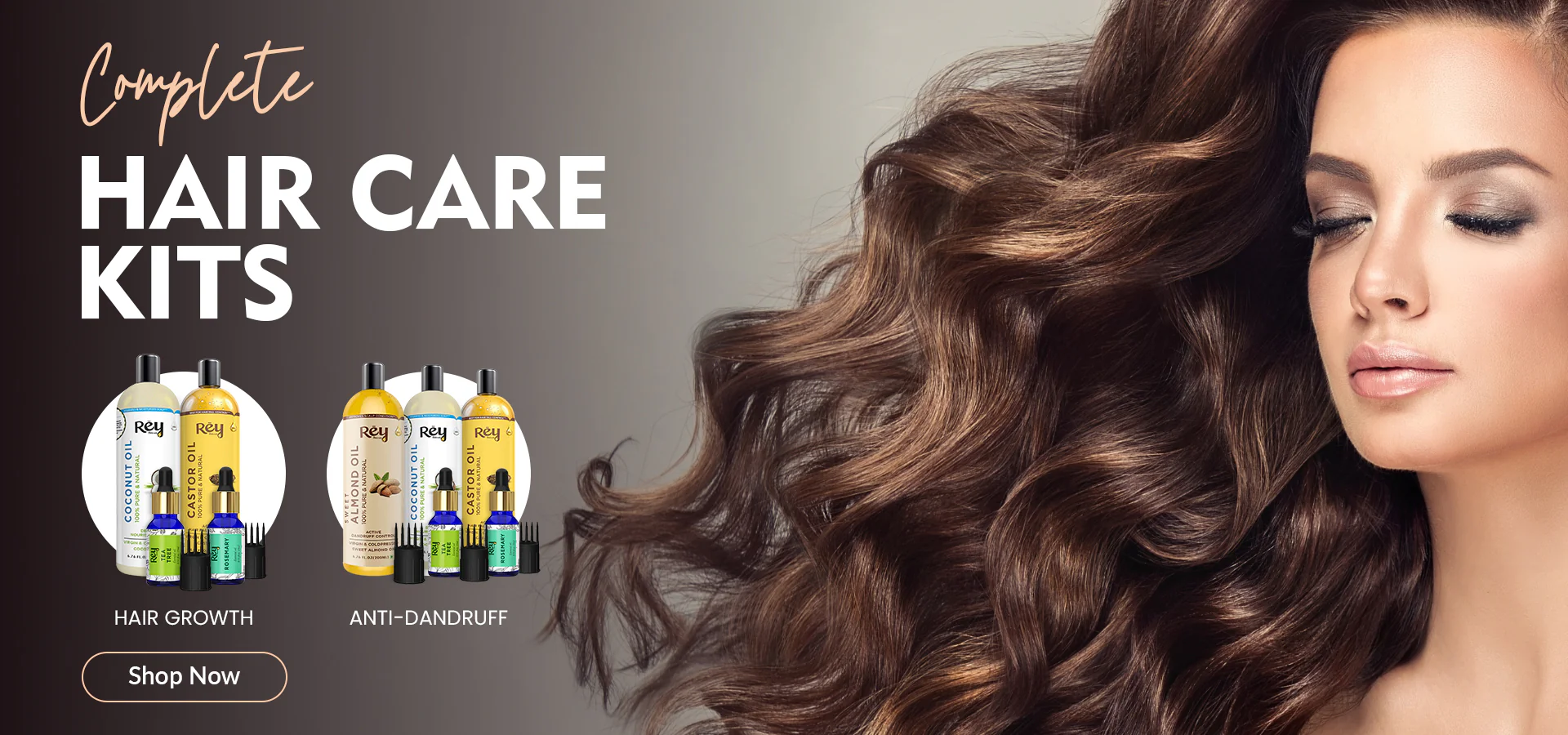
I entered my prompt. I added these keywords in my prompt.
- Metro wall
- Hoarding
- Vibrant
- Graffiti wall
Here is the final output.
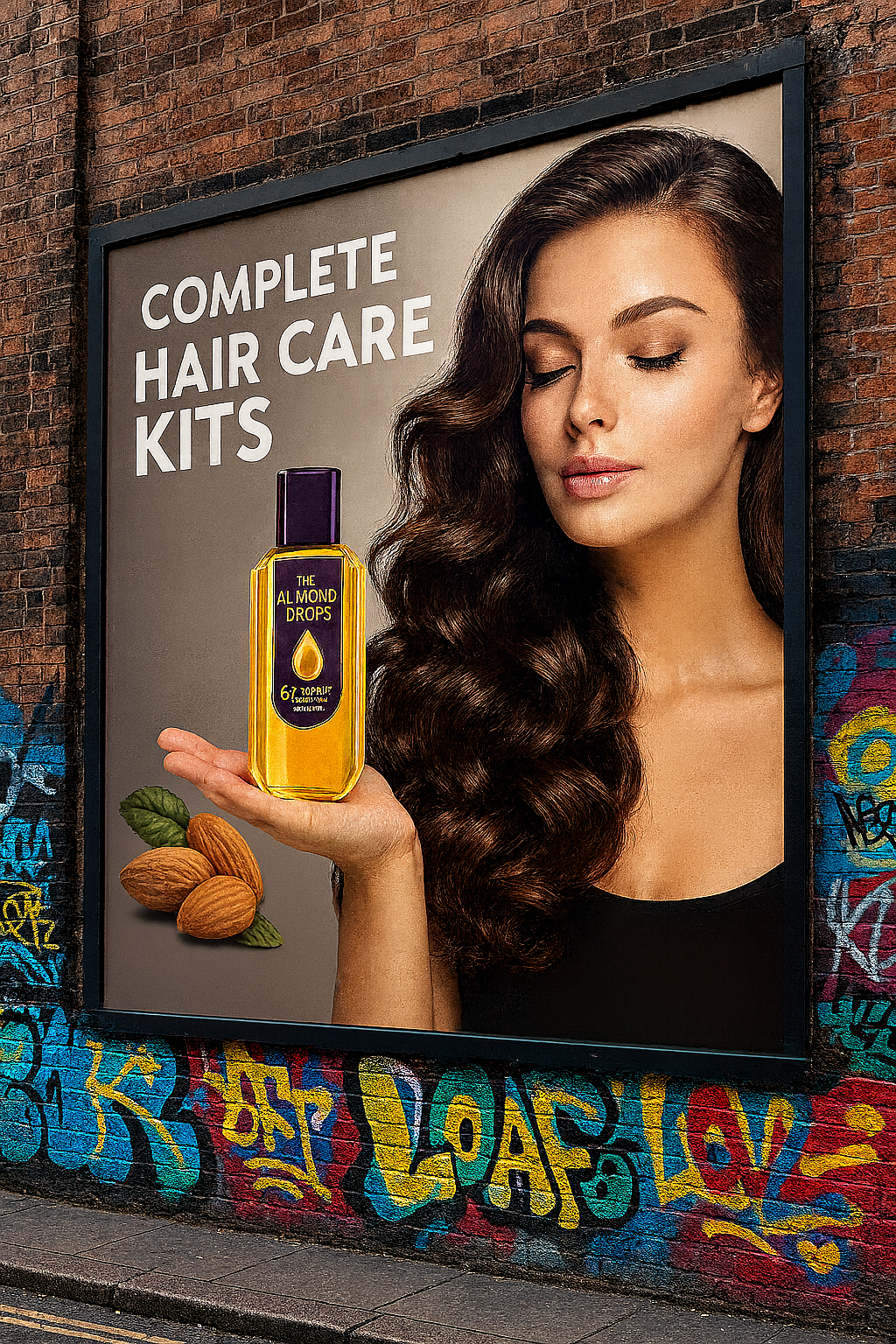
From just one image, I was able to generate multiple creative variations using AI.